UI Walkthrough
Agent Atlas ships a read-only React UI that serves as the capability map for your organisation — a single place for developers, operators, and AI agents to discover what tools are available, who owns them, and what access is required.
The UI is served from Atlas.Host at / and requires no authentication to browse (catalog read endpoints are open).
Tools
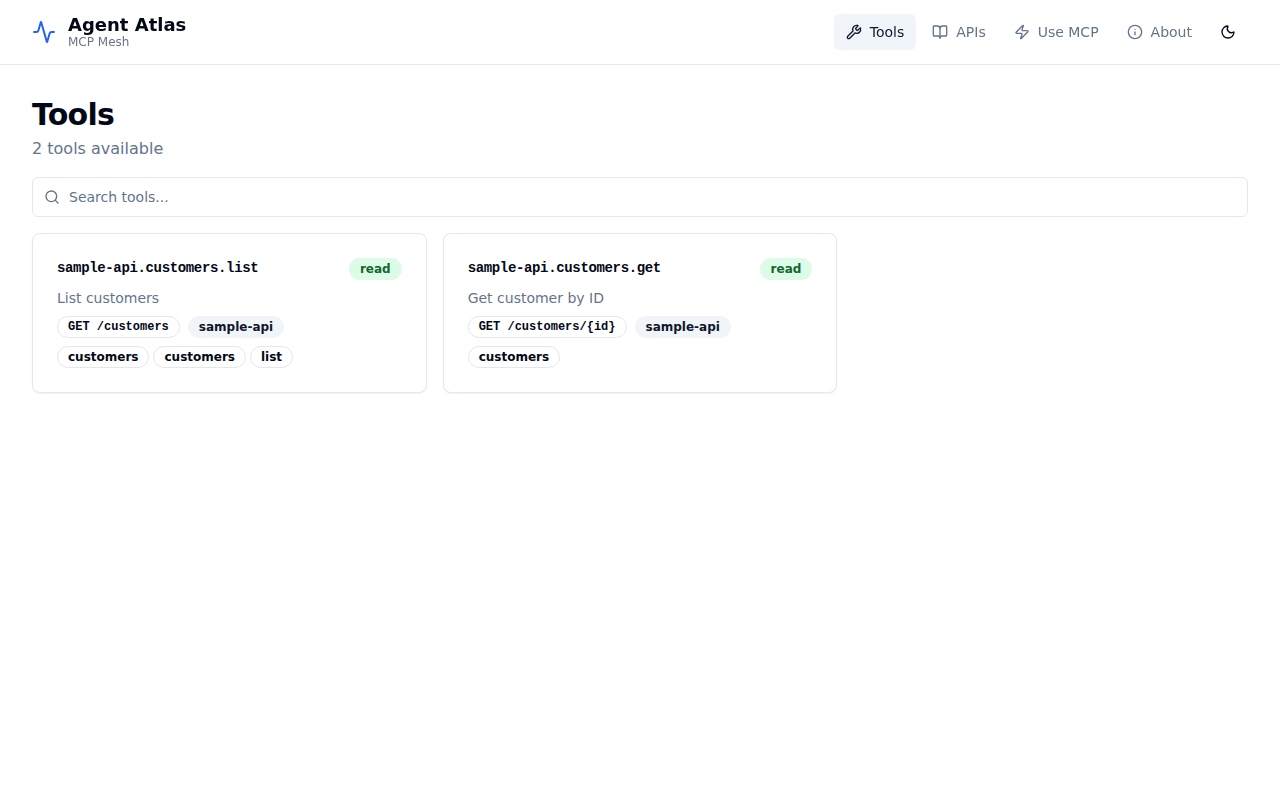
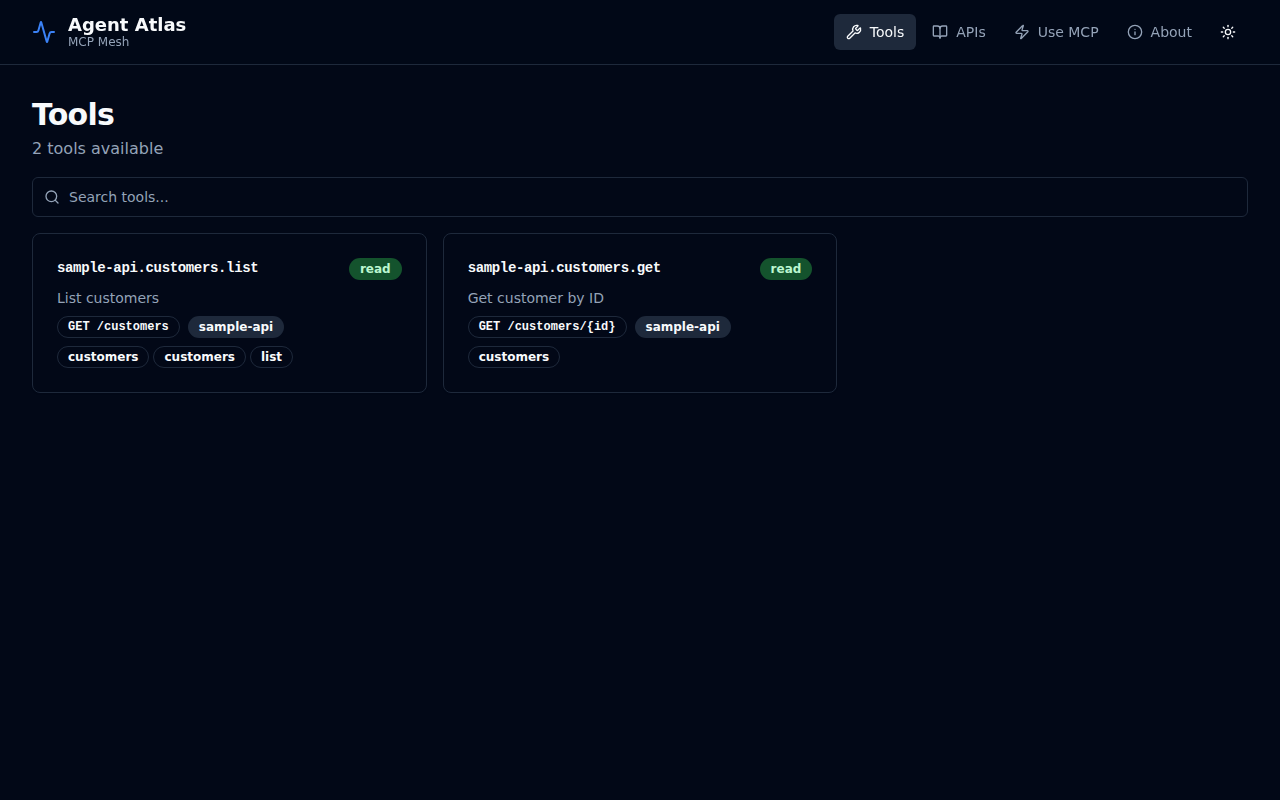
The Tools tab lists every operation that has been published as an MCP tool via the x-mcp vendor extension in an OpenAPI spec.
Each card shows:
- The stable tool ID (e.g.
sample-api.customers.list) - The safety tier badge — read, write, or destructive
- The HTTP method and path
- The owning API ID
- Tags
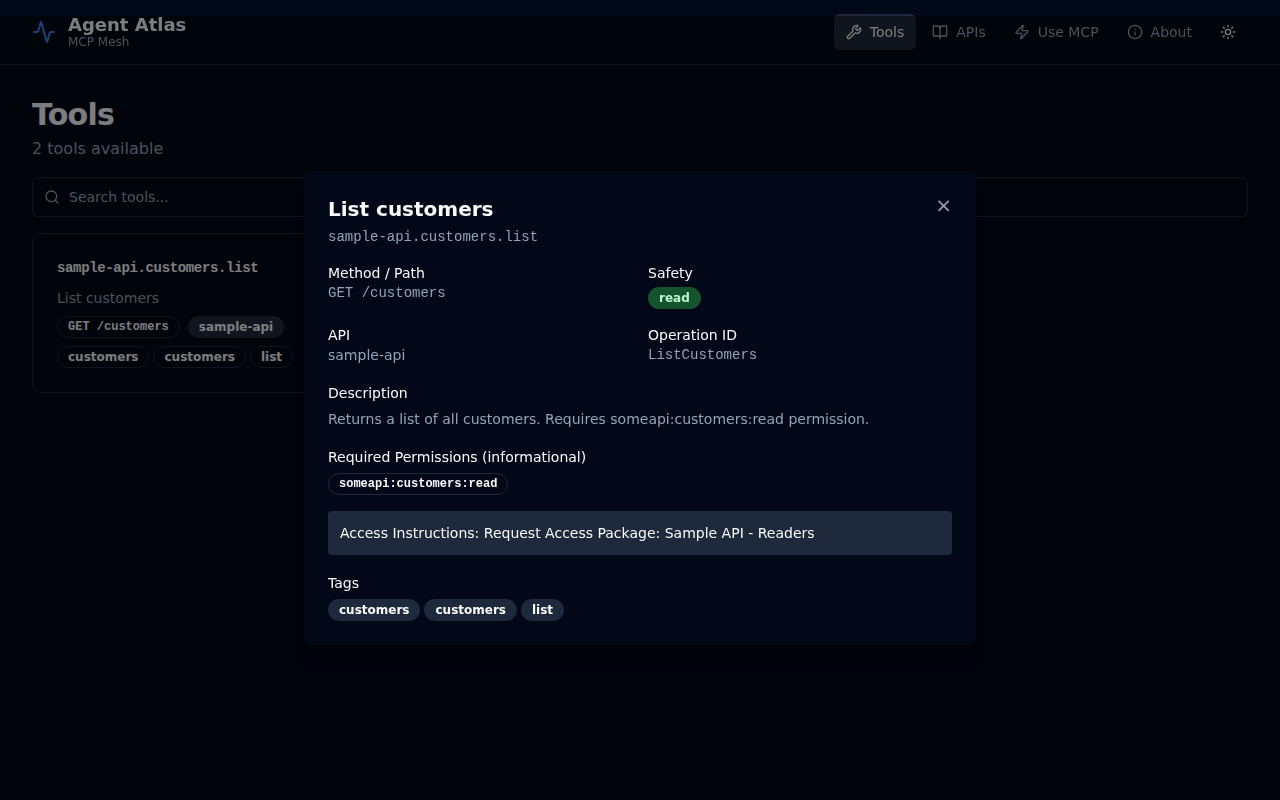
Tool detail
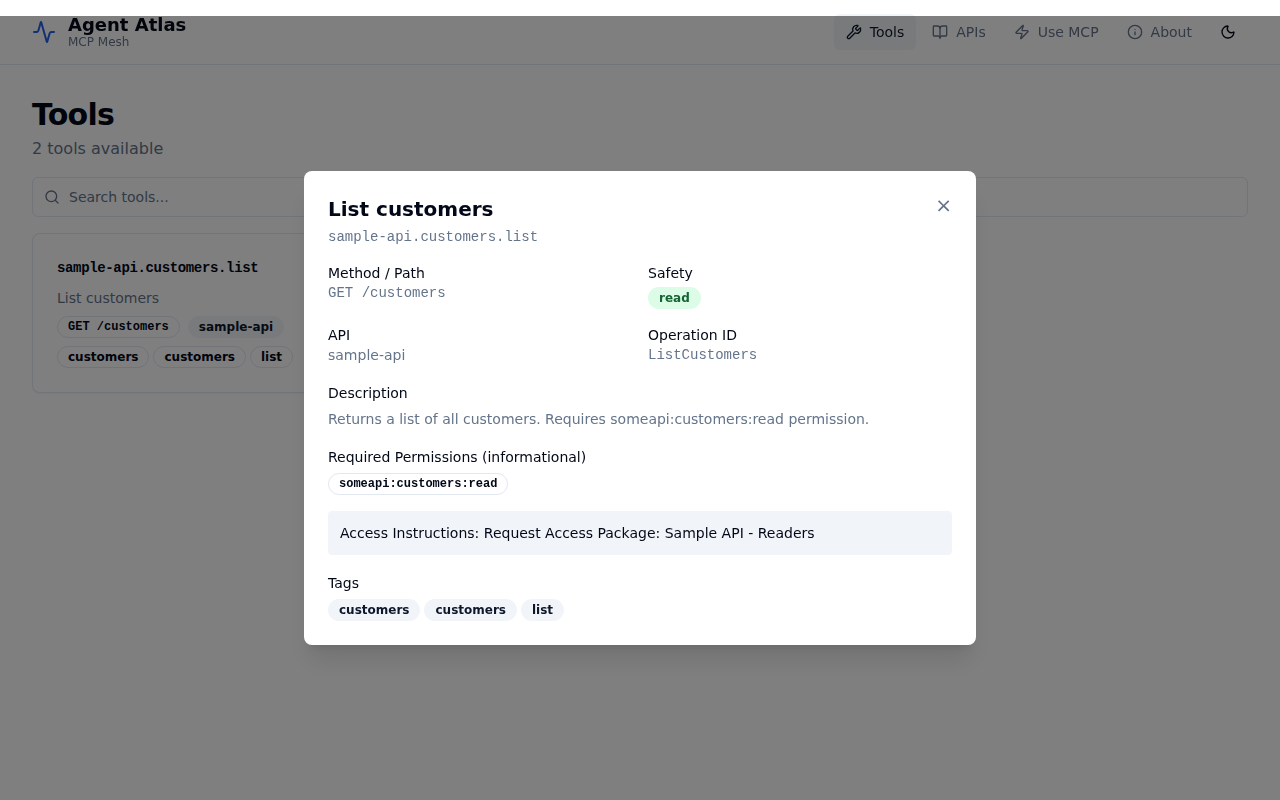
Click any card to open the detail panel. This shows the full tool metadata: description, required permissions, entitlement hint (telling users exactly how to request access), operation ID, and tags.
APIs
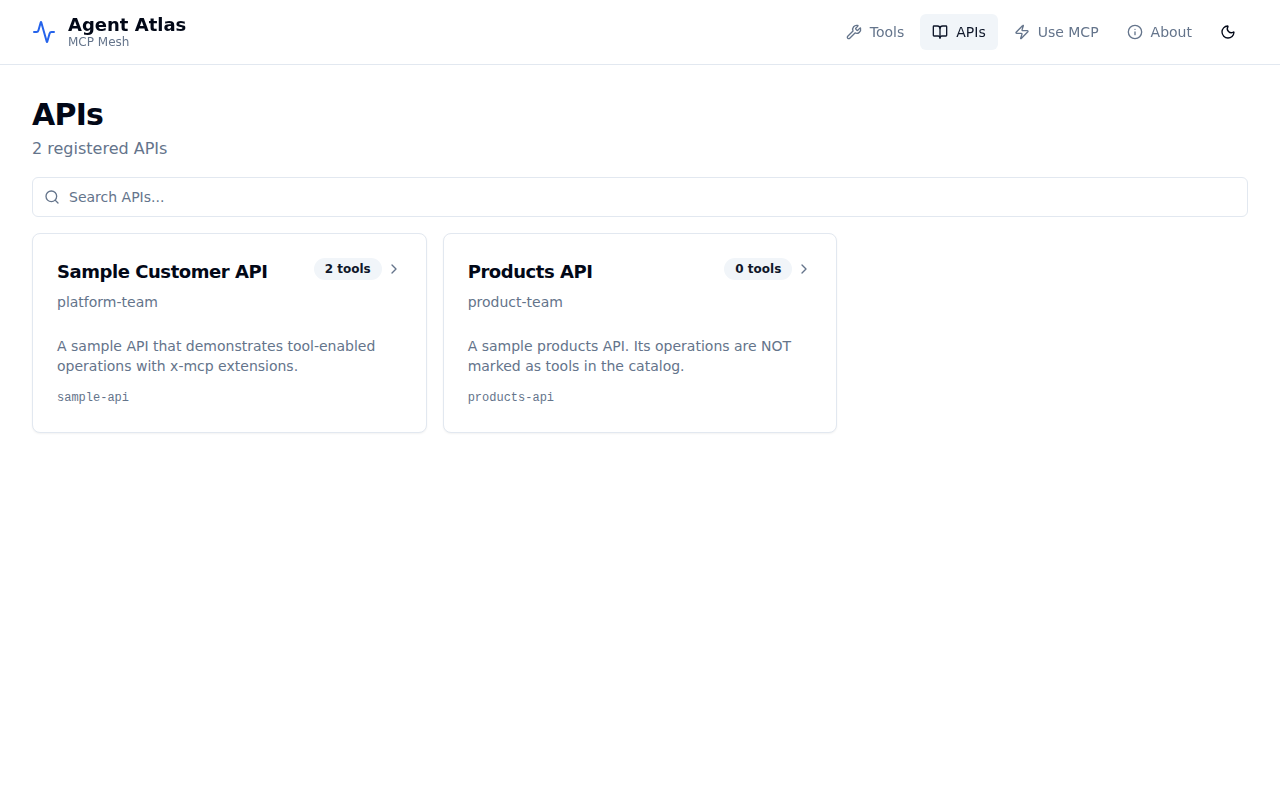
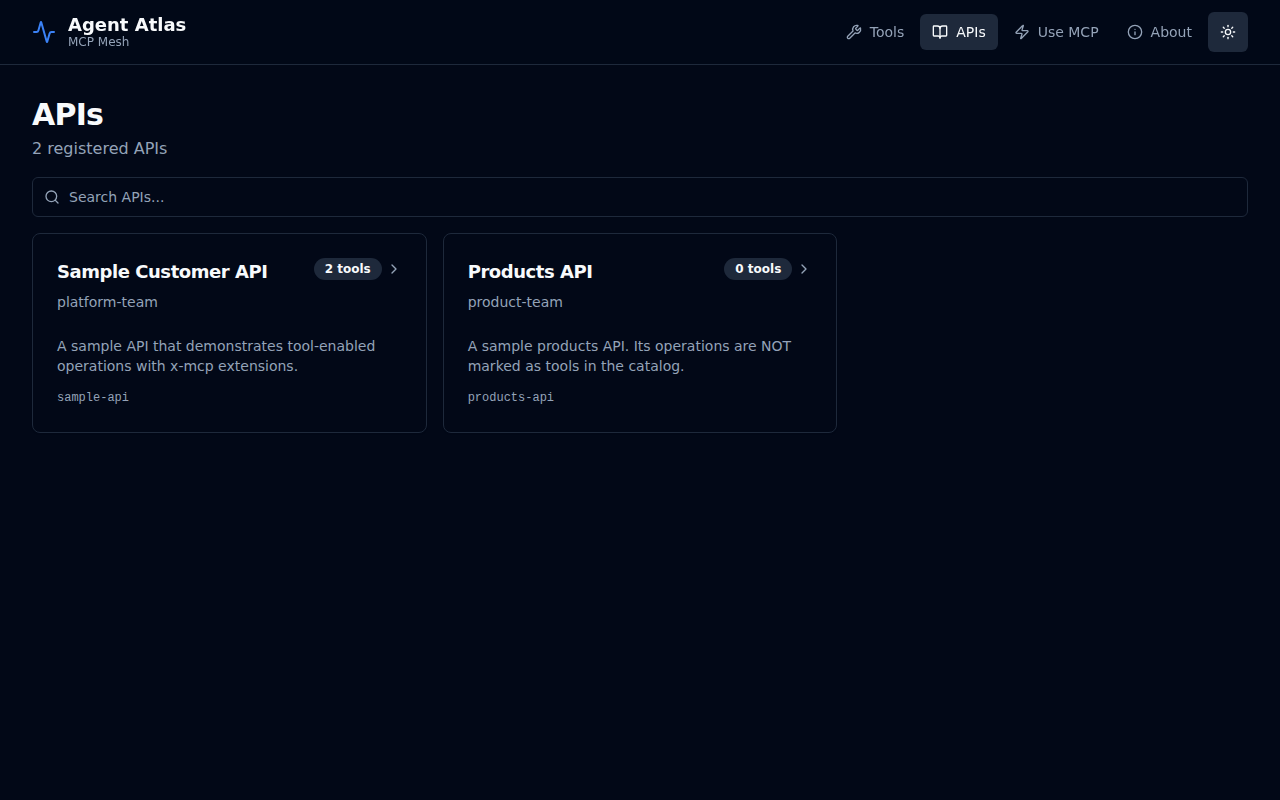
The APIs tab lists every API registered in the catalog, whether or not any of its operations are published as tools. This gives operators a complete view of what is known to the system.
Each card shows:
- API display name and ID
- Owning team
- Description
- Tool count — how many operations from this API are exposed as MCP tools
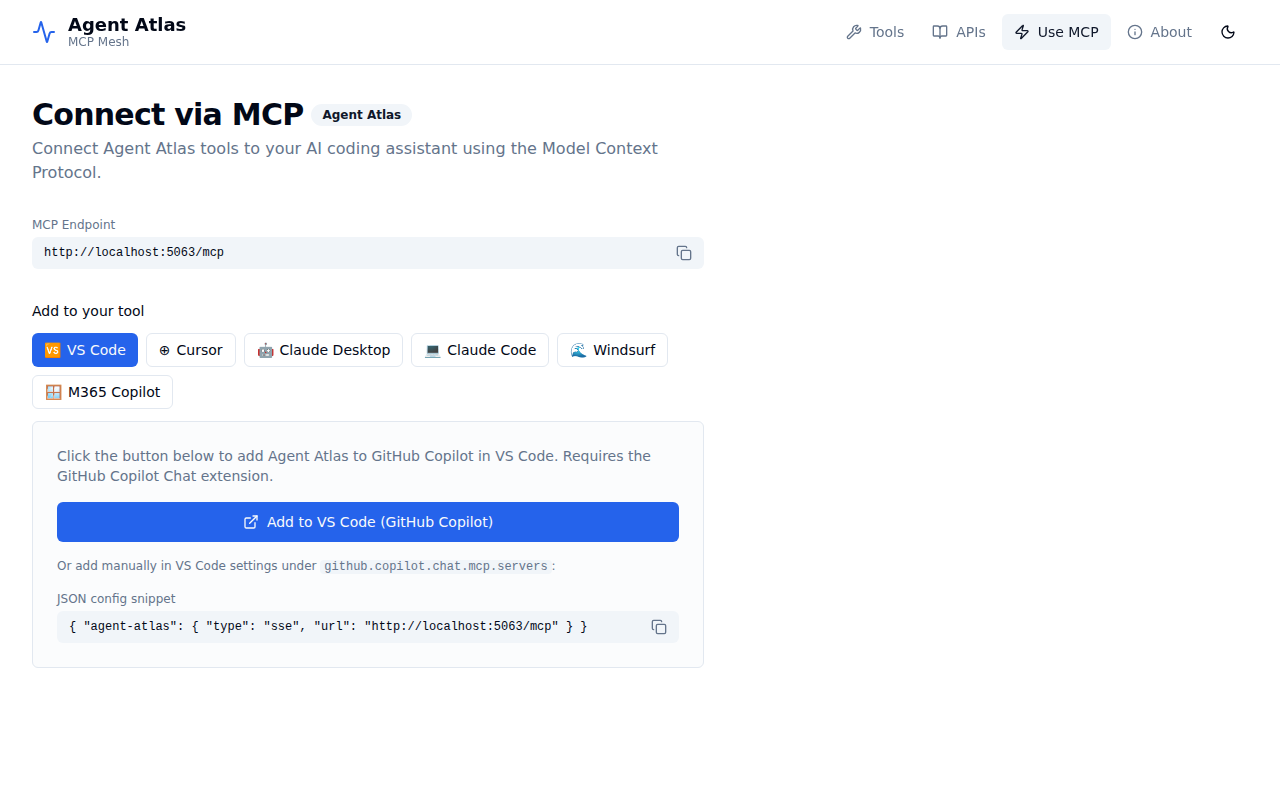
Use MCP
The Use MCP tab gives developers a quick-start guide to connecting their AI coding assistant to Agent Atlas. It shows the MCP endpoint URL and provides ready-to-copy configuration snippets for VS Code (GitHub Copilot), Cursor, Claude Desktop, Claude Code, Windsurf, and M365 Copilot.
Dark mode
All views support light and dark themes. Toggle with the moon/sun icon in the top-right corner.
| Light | Dark |
|---|---|
|  |
|  |
|  |
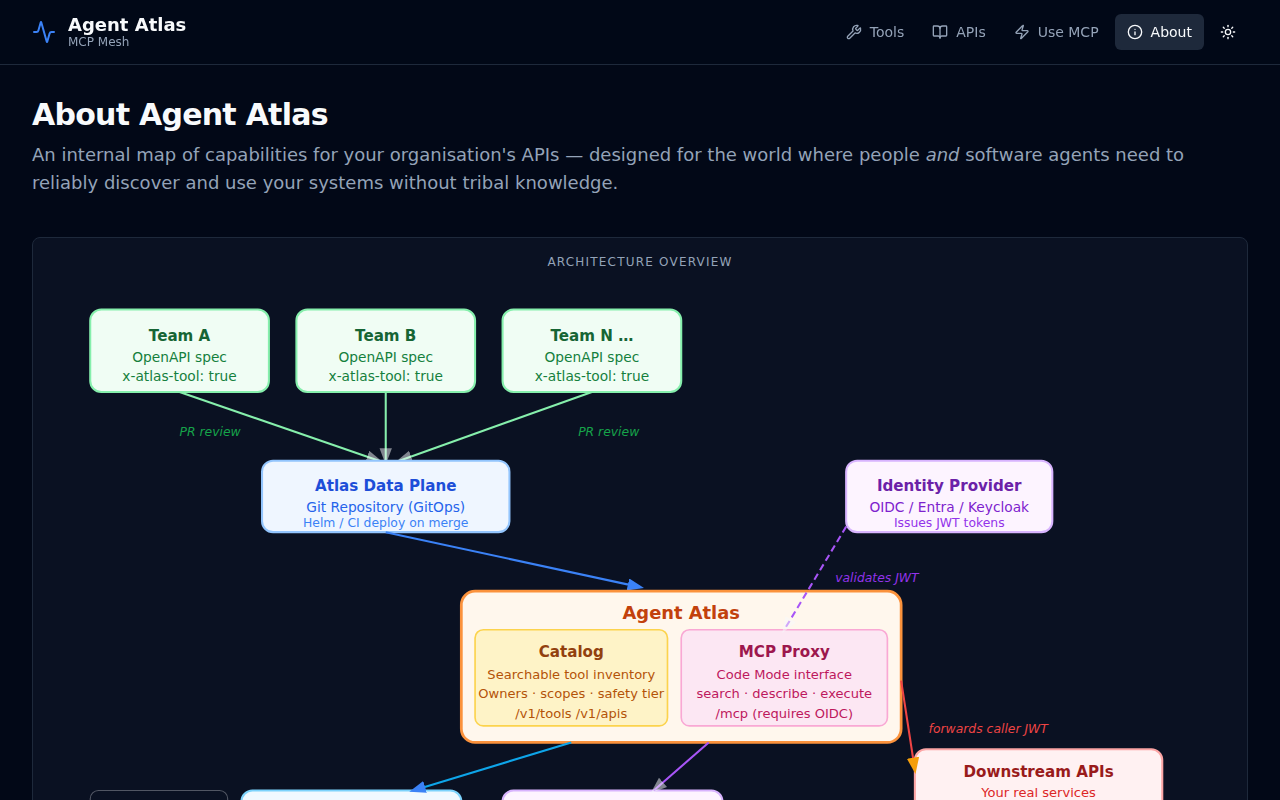
About
The About tab contains a full explanation of the Agent Atlas architecture, the GitOps publishing model, the security design, and the strategic rationale. It includes a live SVG architecture diagram.